




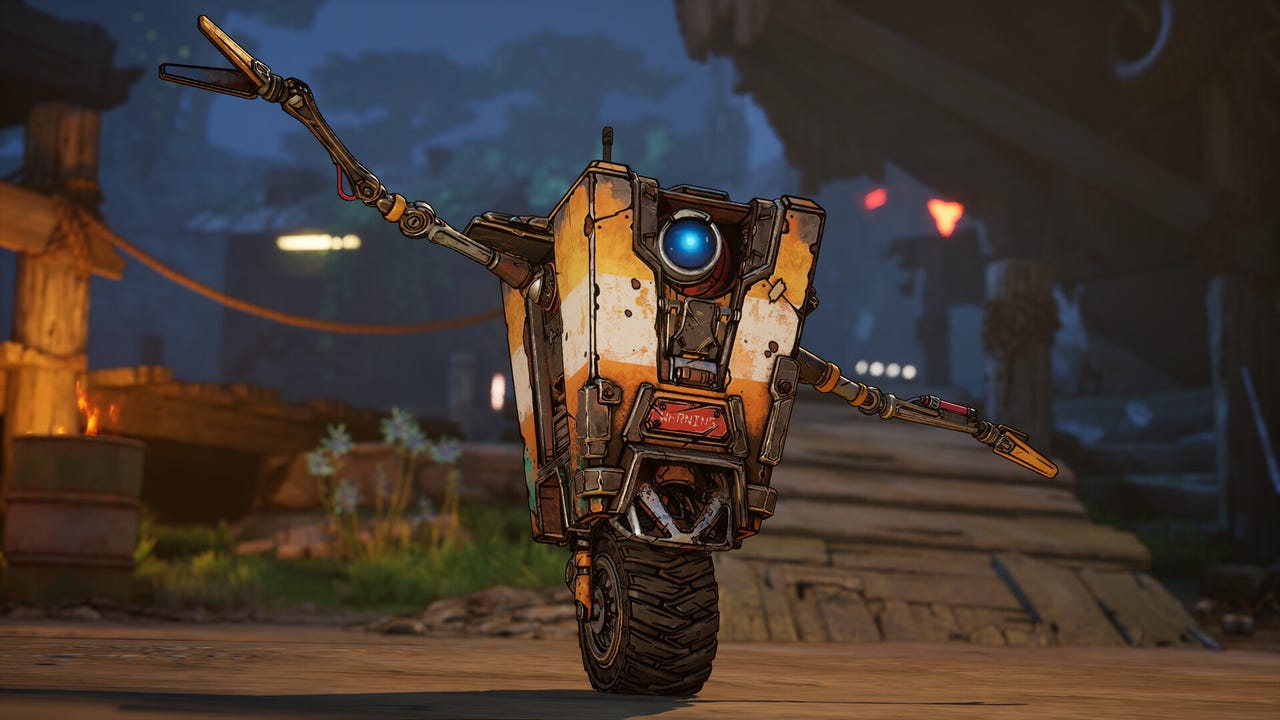
Borderlands 4 has launched on Steam to big concurrent player numbers, but the release was marred by complaints about PC performance that have resulted in a ‘mixed’ user review rating on Valve’s platform.
Borderlands 4 peaked at 207,479 concurrent player numbers on Steam yesterday, September 11, which was significantly higher than any previous Borderlands before it. However, the game launched to ‘mostly negative’ Steam reviews over performance issues and crashing, before recovering overnight to ‘mixed.’
The complaints revolve around poor performance even on high powered PCs, with some affected by crashing that makes the game difficult to even start.
“Terrible optimization. Another Unreal Engine 5 casualty. Not worth buying in its current state unless you have a NASA PC,” said one person in a negative review.
“Terrible, terrible performance. Worst I’ve ever seen. Turned it down to Low graphics presets and couldn’t hit 60 FPS, even with FSR upscaling on my RX 6900 XT,” said another.
In response, Gearbox posted a Borderlands 4 Nvidia Optimization guide on Steam, advising players how to optimize their graphics settings for “better performance and framerates” on PC with the Nvidia app.
“As PC gamers begin their Vault-hunting journeys in Borderlands 4, we’ve seen early feedback from the community surrounding graphics settings and how to achieve optimal performance,” Gearbox said, before outlining the “expected results” for the Borderlands 4 PC specs:
- Minimum PC specs – 1080p @ 30FPS with Low Preset settings
- Recommended PC specs – 1440p @ 60FPS with Medium Preset settings
Gearbox then issued a piece of advice to PC gamers that to me reads like an effort to prevent players from making knee-jerk reactions to the game’s performance as soon as they’ve changed their settings: “Please note that any time you change any of your graphics settings, your shaders will need to recompile. Please keep playing for at least 15 minutes to see how your PC’s performance has changed.”
Gearbox went on to show the “Optimal Settings” charts provided by Nvidia with suggestions for which graphics settings may work best for your combination of GPU and desired display resolution. Meanwhile, it recommended using the Nvidia app to download and install Nvidia’s newest Game Ready Driver (581.29) and “optimize for your system.” If all else fails, “please contact 2K Support for direct assistance.”
Gearbox and publisher 2K Games will be keen to address the performance complaints early, given the impact negative reviews on Steam can have on a video game’s success. Ahead of launch, Gearbox development chief Randy Pitchford had said the Borderlands 4 Day 1 patch “does a lot,” amid concern about the performance of the looter shooter. Pitchford had responded to concern about Borderlands 4’s pre-release performance on PC from some users on X / Twitter.
Despite the Day 1 patch, playing Borderlands 4 on older hardware won’t miraculously unlock “buttery smooth performance,” Pitchford added. It should be expected that Borderlands 4 is “unplayable” if you’re trying to use a PC below min-spec, he said, and, generally, playing new AAA games on older hardware won’t achieve impressive results.
Here’s Pitchford’s comment in full:
The Day 1 patch does a lot! That said, the expectation for using a below min-spec machine should be that the game is unplayable. That the game runs at all on your system is a miracle. That you can get 55 – 60 fps out of heavy combat is actually incredible given how the engine and what’s going on under the hood. Your specification doesn’t indicate if you’re on SDD or HDD, but that could also explain some of the hitching. It’s a big, bold, new, seamless world and I’m sorry to say that older hardware may not provide buttery smooth performance for the latest gen AAA games, as has always been the case since the dawn of PC gaming.
As a reminder, here are Borderlands 4’s PC specs:
Borderlands 4 System Requirements:
Minimum:
- Requires a 64-bit processor and operating system
- OS: Windows 10 / Windows 11
- Processor: Intel Core i7-9700 / AMD Ryzen 7 2700X
- Memory: 16 GB RAM
- Graphics: NVIDIA GeForce RTX 2070 / AMD Radeon RX 5700 XT / Intel Arc A580
- Storage: 100 GB available space
- Additional Notes: Requires a 64-bit processor and operating system. Requires 8 CPU Cores for processor. Requires 8 GB VRAM for graphics. SSD storage required
Recommended:
- Requires a 64-bit processor and operating system
- OS: Windows 10 / Windows 11
- Processor: Intel Core i7-12700 / AMD Ryzen 7 5800X
- Memory: 32 GB RAM
- Graphics: NVIDIA GeForce RTX 3080 / AMD Radeon RX 6800 XT / Intel Arc B580
- Storage: 100 GB available space
- Additional Notes: Requires a 64-bit processor and operating system. SSD storage required
If you are delving into Borderlands 4 don’t go without our updated hourly SHiFT codes list. We’ve also got a huge interactive map ready to go and a badass Borderlands 4 planner tool courtesy of our buds at Maxroll. Plus check out our expert players’ choices for which character to choose (no one agreed).
Wesley is Director, News at IGN. Find him on Twitter at @wyp100. You can reach Wesley at wesley_yinpoole@ign.com or confidentially at wyp100@proton.me.